ITS Crypto Processing.
A cryptocurrency checkout and a dashboard for managing wallets, balances and processing settings.
Paying for an order with cryptocurrency
The checkout page shows the store, invoice number, amount and payment deadline. The customer then chooses a currency, network and transfer method.
The next screen displays a QR code, wallet address, amount and selected network. If the invoice expires, the interface offers to create a new payment.
Wallets and processing status
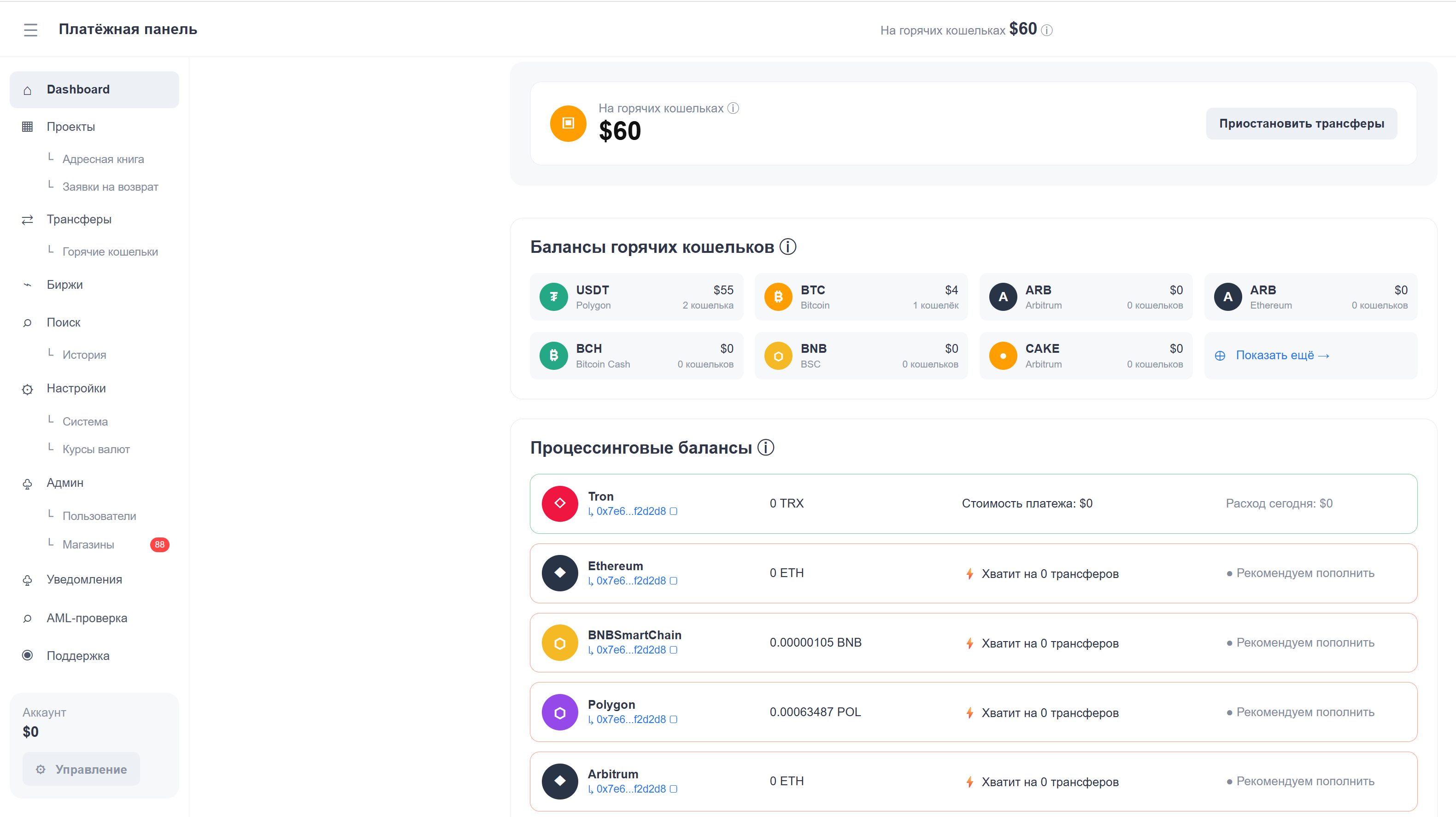
The payment dashboard shows the total hot wallet balance and its distribution across currencies and networks. Individual wallets can be searched by address and filtered by balance.
A separate section displays processing balances and alerts when funds need to be added for transfers.
Exchange connections and rate settings
The interface provides exchange connections and settings for automatic asset conversion and withdrawals. Conversion and withdrawal statuses are displayed separately.
The rates section compares source rates with customer rates, shows the last update time and allows a percentage adjustment.
AML screening settings
A dedicated section supports connecting an AML screening provider. The interface includes AML Bot, BitOK and Coin KYT, access credential fields and connection status.